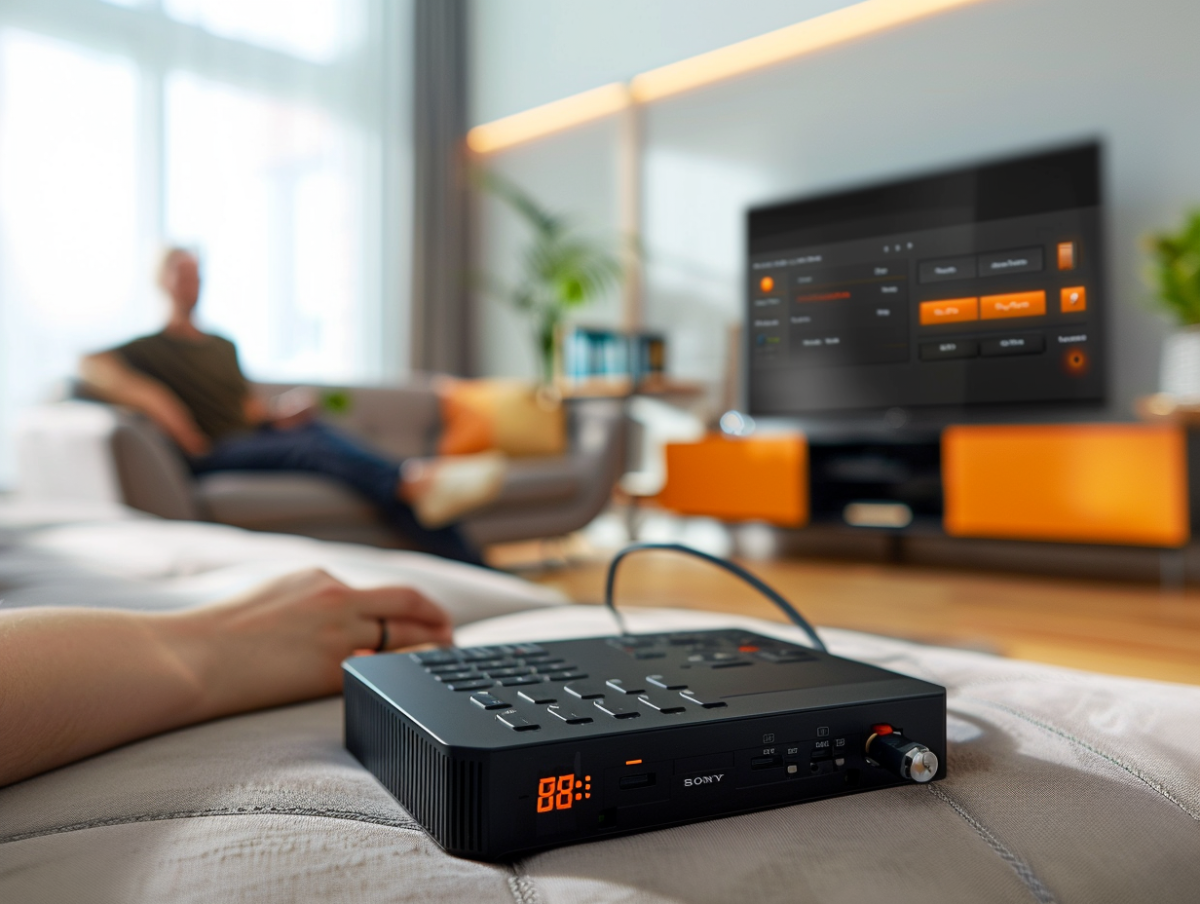
The digital age has simplified access to multimedia content, with solutions such as the Orange decoder that provides a bridge between the digital world and the comfort of your living room. This versatile device allows, among other things, the playback of files stored on a USB drive, thus offering an enhanced user experience. For users eager to enjoy their personal collections of videos, photos, or music, understanding the process of connecting and using a USB drive with the Orange decoder is essential. This ease of use, coupled with the convenience it brings, represents a significant advantage for modern consumers.
Practical Guide: Reading a USB Drive with the Orange Decoder
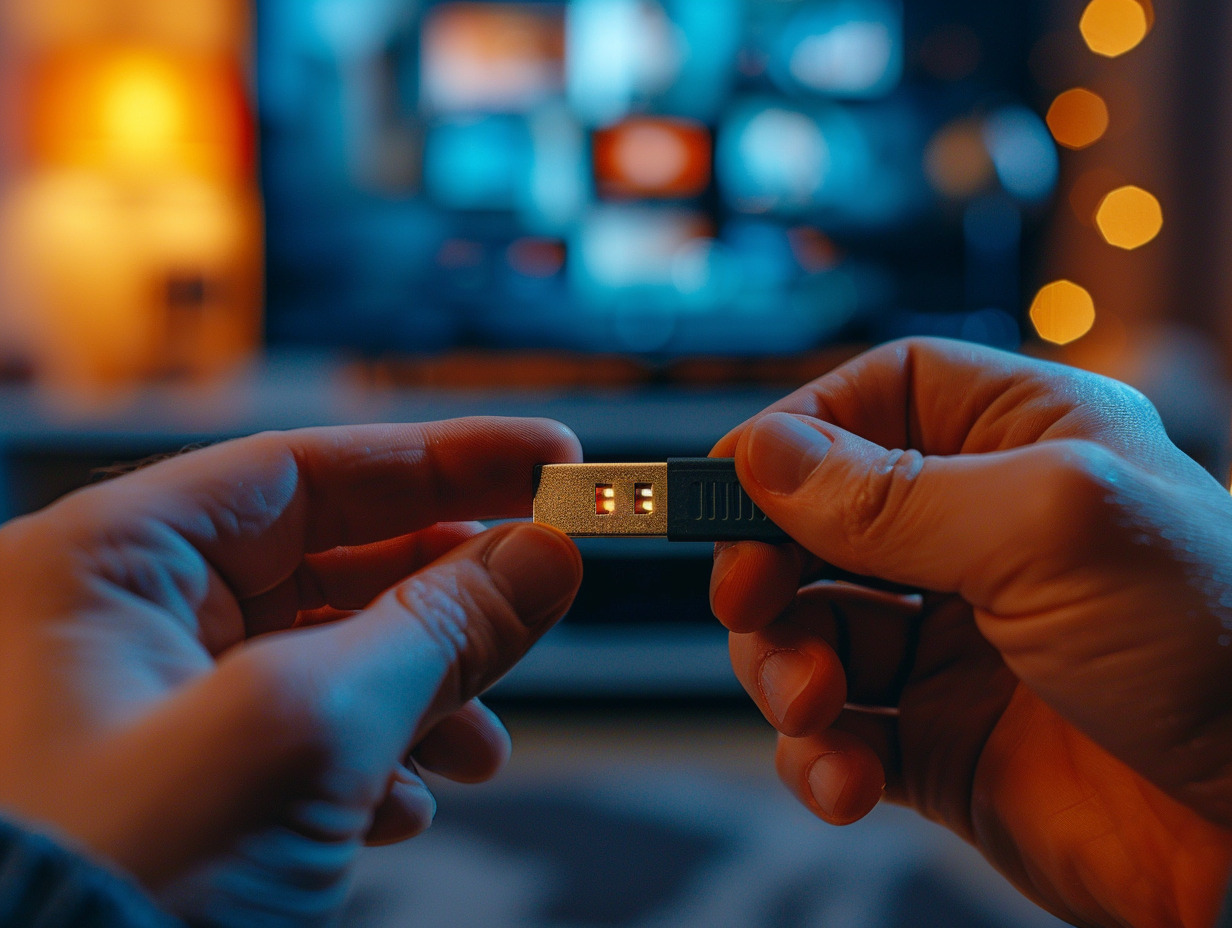
Connect your USB drive to one of the available USB ports on your Orange decoder. Once this action is completed, the procedure for reading a USB drive on the Orange decoder begins. Turn on your decoder and, using the remote control, navigate to the Orange and Me section. At this moment, you are at the entrance to the Mediacenter, which embodies the central functionality of this operation.
Within the Mediacenter, select the option corresponding to external devices to access the files on your USB drive. The intuitive interface guides you through your personal folders, allowing you to choose the multimedia content you wish to use. Photos, videos, music, all the diversity of your files is just a click away, transforming your living room into a private screening room.
Discover the benefits of such convenience: playing your personal media on a larger screen and the ease of navigation facilitated by the remote control. This integration between external storage devices and the decoder enriches your audiovisual experience, offering you the freedom to share the content of your choice, without format constraints or Internet connection. The Orange decoder and its ability to read a USB drive thus pave the way for increased customization of your media consumption.
The Benefits of Using the Orange Decoder for Your Media
Optimize your multimedia experience with the Orange decoder, a device designed to transcend the traditional limits of content consumption. This device stands out for its ability to centralize and stream your multimedia content to your television, offering a streamlined interface and simplified management of your digital resources.
The use of the decoder proves even more advantageous when paired with the Livebox, which acts as the heart of your home network. Connecting an external hard drive to your Livebox, combined with the My Livebox app, allows you to remotely access your file library, thus amplifying the storage and sharing capabilities of your home.
The Multi-screen TV Recorder complements the Orange decoder ecosystem. It enables you to record your favorite TV programs to watch later, on various devices and without time constraints. The Orange TV Key, by connecting to a TV with an HDMI port, further extends the reach of your internet box, allowing you to enjoy your TV packages and services anywhere, provided you have an Internet connection.
The convergence between the Orange decoder and storage devices such as the Livebox hard drive or an external hard drive highlights Orange’s commitment to providing a comprehensive solution. This technological marriage ensures smooth management of your media and high-definition access thanks to the UHD Orange decoder, which fully utilizes the capacity of the USB ports for superior visual and sound quality.